









PLAN FIRST / EDIT WITH PURPOSE
A reel shot list.
A clearer path to your next video.
Turn a folder of possible clips into a focused sequence. This practical reel shot list helps you decide what each shot needs to communicate before you start polishing the edit.
A reel shot list is a short record of the visuals you need for one video. It connects each clip to a purpose, such as introducing a setting, showing an action or closing an idea. It is different from a posting calendar, which organizes videos across days, and from a storyboard, which usually sketches the frames.
You can use a note, a spreadsheet or a simple checklist. The useful part is the decision-making, not the software. Adobe’s guide to shot lists explains how planning shots helps organize coverage. For a short social video, keep only the fields that help you choose or create the next shot.
1. Give your reel shot list one clear purpose
Finish this sentence: “By the end, the viewer should understand or feel…” Be specific enough to choose between two attractive clips. “A small pause in a busy day” gives you a clearer direction than “something beautiful.” For a demonstration, the purpose might be showing how a finished cup of tea comes together.
Then write the opening and closing idea. If both communicate the same thing, ask what changes in between. You do not need a dramatic twist, but the middle should move the thought forward. A clip can look excellent and still belong in a different video.
2. Start with five useful fields
Number + visual action
Give the shot a short identifier and describe what happens. “Water pours into the cup” is more useful than “nice close-up.”
Purpose + text or audio
Say why the shot is needed. Add any essential words or sound, leaving space when the image can explain itself.
Source + status
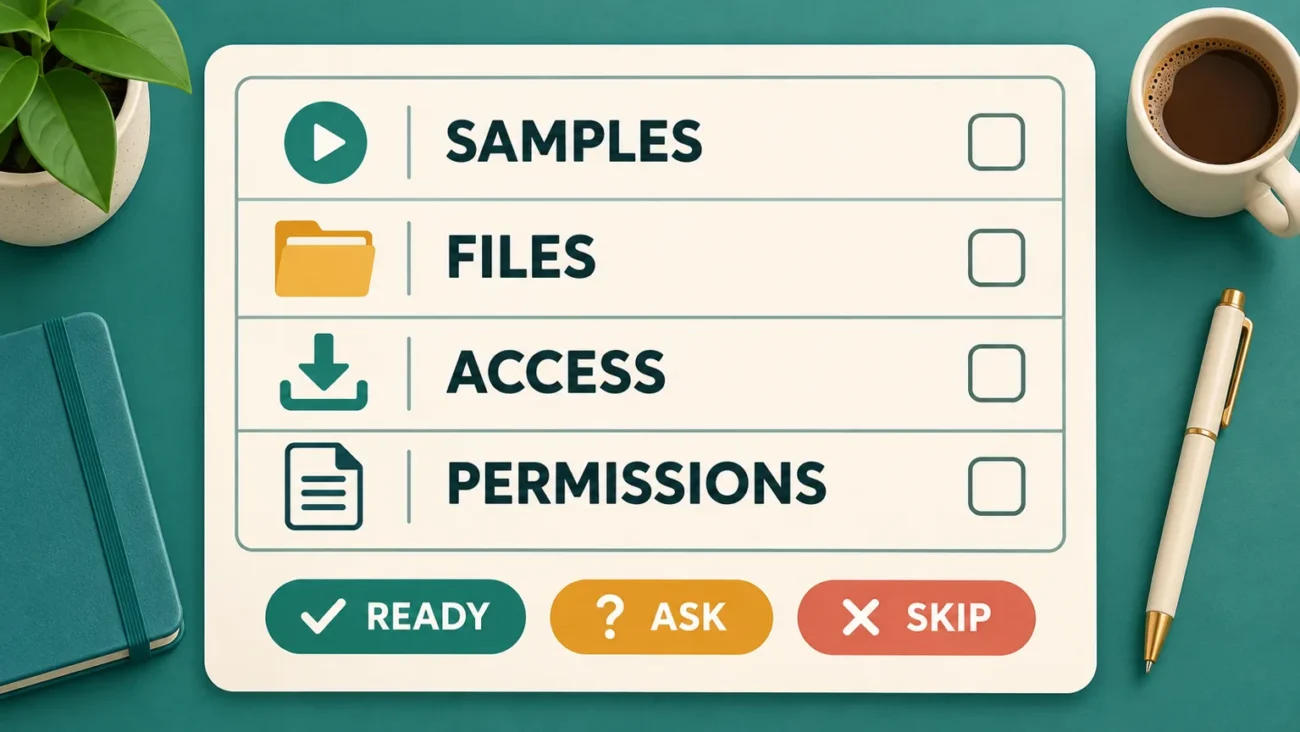
Record the filename or source and whether it is ready, missing or needs checking. Confirm permission and suitability before using it.
Those five fields are shot number, visual action, purpose, text or audio, and source or status. You can add framing or movement when it matters. Avoid filling every row with technical detail that does not affect the actual edit.

3. Try this reel shot list example
The example below plans “a small pause in a busy day.” These are creative suggestions, not a list of scenes promised in any WorkLinc bundle. Use footage you own or have permission to use, and adapt the sequence to what you actually have.
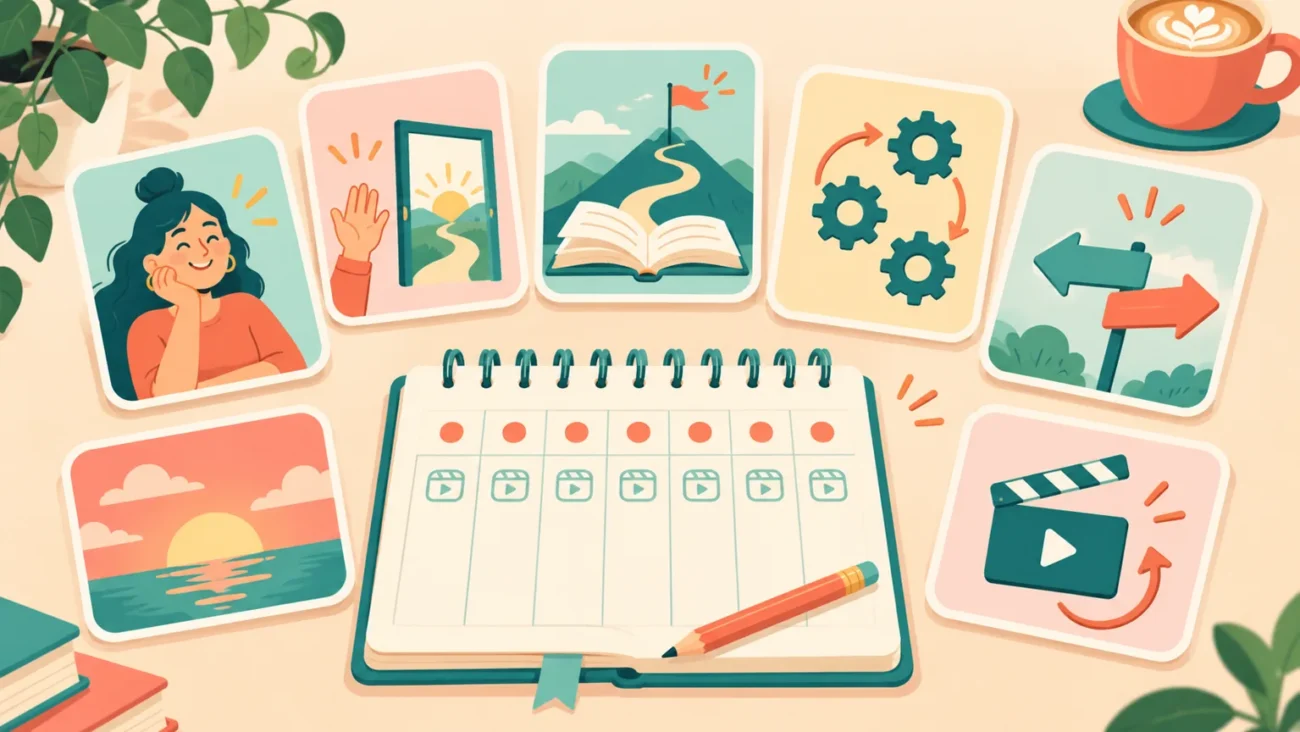
- Context: a busy scene introduces the contrast. Consider the text “A small pause.” Check that the subject reads clearly in the intended crop.
- Change: a quieter outdoor view shifts the mood. Let the visual transition communicate the change rather than adding an unnecessary explanation.
- Detail: a leaf, reflection or gentle movement gives the viewer something specific to notice. Review the complete clip, not only its first frame.
- Connection: a related wider view links the detail to the setting. Compare color and movement so the cut feels intentional.
- Closure: a calm final image completes the idea. If “Take a moment” adds something, keep it brief and readable. Avoid cutting off the action.
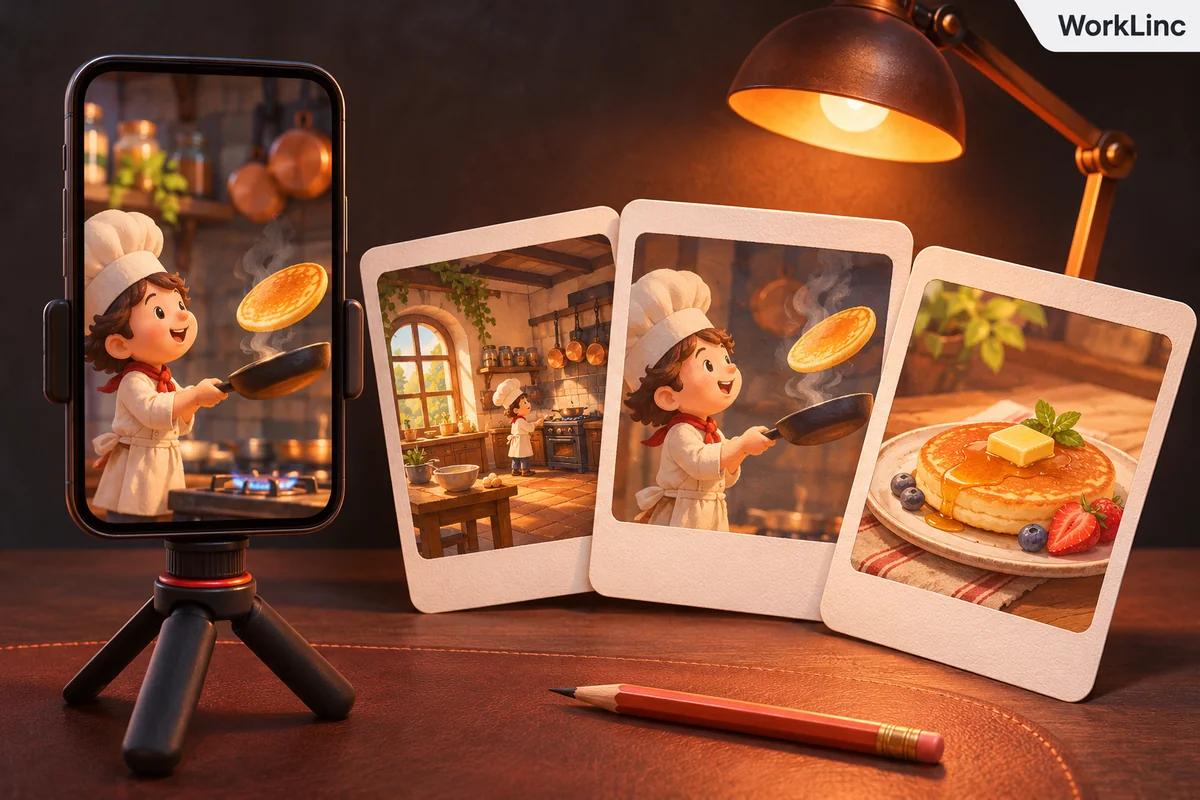
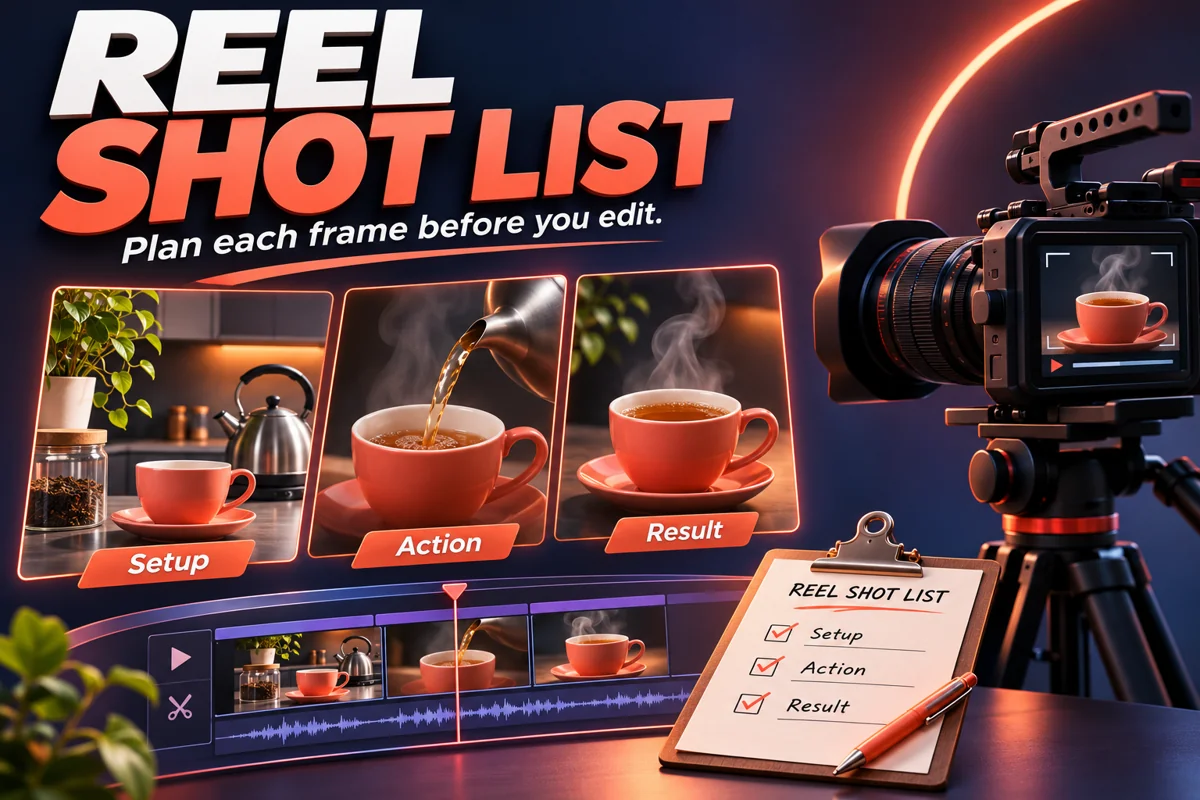
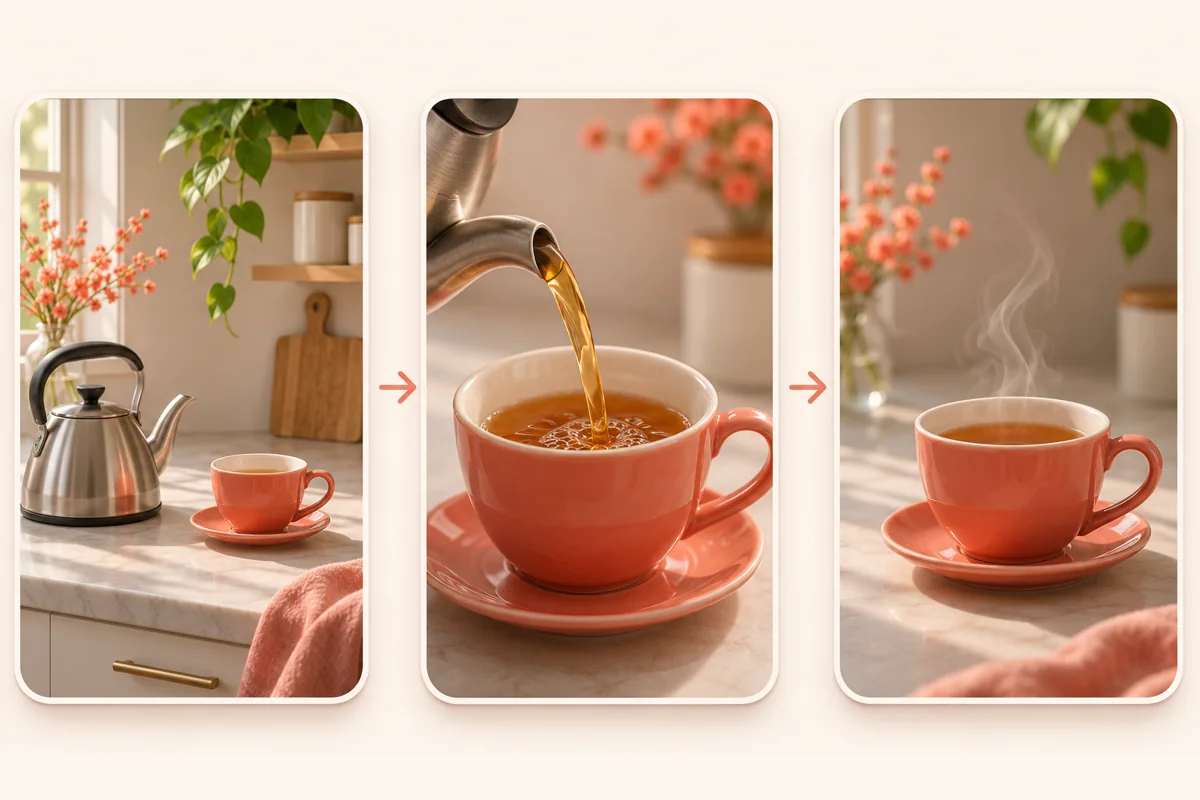
A simpler idea may need only three shots. For a tea-making sequence, show the setup, the pouring action and the finished cup. The second illustration demonstrates those three roles. It is a planning aid, not downloadable product footage.
4. Make a rough version before polishing
Arrange your chosen clips without elaborate effects. Watch once with the sound muted: can you follow the idea? Then listen separately: does the audio support the intended mood, or is it trying to explain a visual gap?
If two shots do the same job, remove one and compare the result. If the sequence feels confusing, you may need a connecting shot rather than another transition. Our reel pacing guide helps you review how long each moment needs, while the sound-off caption checklist helps you keep important words readable.
Keep the reel shot list beside the edit and update it when a better choice emerges. A plan is useful because it makes changes visible, not because it prevents you from changing your mind.
5. Check the finished sequence against the plan
Review the opening, the change and the closing image on a phone. Confirm that cropping has not hidden the subject, essential text stays readable and the final shot ends cleanly. Check that every source is identified and that any music has the permissions your intended use requires.
If you are choosing footage for a new idea, browse the WorkLinc Reels Bundle collection by theme rather than quantity alone. The 1000+ Nature Reels Bundle is one listed option for nature-focused projects. Read its current contents and applicable terms before deciding whether it fits. A bundle name does not establish every usage right.
Reel shot list questions
How many shots should I plan?
There is no universal number. Use enough shots to communicate the idea without repeating the same visual job. A single uninterrupted shot can be appropriate.
Can I plan after downloading clips?
Yes. Review the available files first, then assign each candidate a purpose. Mark missing shots instead of assuming a collection contains them.
Will a shot list guarantee more reach?
No. It can make your planning and editing decisions clearer, but it does not guarantee views, engagement, earnings or platform distribution.