










WORKLINC EDITING NOTES
Seamless reel loops start with a cleaner restart
Seamless reel loops are easy to describe and surprisingly easy to spoil. A subject jumps sideways, the music clicks, or a caption vanishes just as the video starts again. The fix is usually at the join between the last moment and the first, not in another transition effect.
Use these six checks on a short test edit. You do not need to turn every clip into a loop. Sometimes a clear ending is the better choice.
1. Choose a motion that can return naturally
A rotating object, a repeating gesture or a camera move that returns to its starting position gives you a useful place to begin. Watch the source clip once without editing. Mark a short section where the movement feels complete and could start again without a new explanation.
A one-way reveal is different. If a sealed object opens or a room changes completely, forcing the ending back to the beginning may look like an accidental reset. You can still use the clip, but give it a deliberate ending instead of calling it seamless.
2. Compare the frames on either side of the join
Put two copies of your chosen section next to each other in the timeline. Now inspect the cut between them. Compare the subject’s position, size and direction of travel. Look at the background too: a camera crop or brightness change can reveal the join even when the main subject lines up.
Try moving the start or end point by a frame at a time. You are looking for continuous movement, not necessarily two identical still images. Holding the same pose twice can introduce a tiny pause. Play across the cut after every adjustment instead of judging from still frames alone.

3. Remove the pause you only notice on the second watch
A loop can look fine once and feel awkward when repeated. Play your two-copy test several times. If the subject appears to hesitate, check for a duplicate frame, a frozen ending or a long hold before the restart. Trim only what you need, then compare the result with the previous version.
A short dissolve may help a gentle background movement, but it can also produce a ghosted double image. Reversing a clip creates a back-and-forth movement rather than a natural continuation. Try these techniques when they suit the scene, not as automatic repairs for every mismatch.
4. Listen to the audio join without watching
Close your eyes for one playback. A cut-off word, a sudden silence or a sharp change in background sound will often be more obvious than the visual cut. Let spoken sentences finish. If the music needs a longer phrase than the picture, choose whether to extend the visual sequence or end the video normally.
Use a small audio fade only when it helps the material. Listen for a noticeable dip as well as a click. If you replace the soundtrack, check the source and intended-use terms; our music for reels checklist covers that separate decision.
5. Keep captions from flashing at the restart
Text can expose an otherwise smooth loop. A heading that disappears on the last frame and pops back on the first draws attention to the reset. Either keep the wording stable across the join or make its return feel intentional.
Read the whole message at normal speed. Do not shorten its screen time merely to make a neat loop. For a story, a complete thought is more important than a hidden cut. Check that the caption does not cover the movement you want viewers to notice.
6. Check the exported file, not only the editor preview
Export a short test and replay it on the phone you normally use. Inspect the start and end for blank frames, unexpected holds or an audio cut. If the playback app adds a pause between repeats, distinguish that player behavior from a pause actually encoded in the file.
Keep the source download and your working project. Save a clearly named test version so you can compare changes without overwriting your only copy. Our reel export settings checklist helps with the final file check.
Try seamless reel loops on one clip before a batch
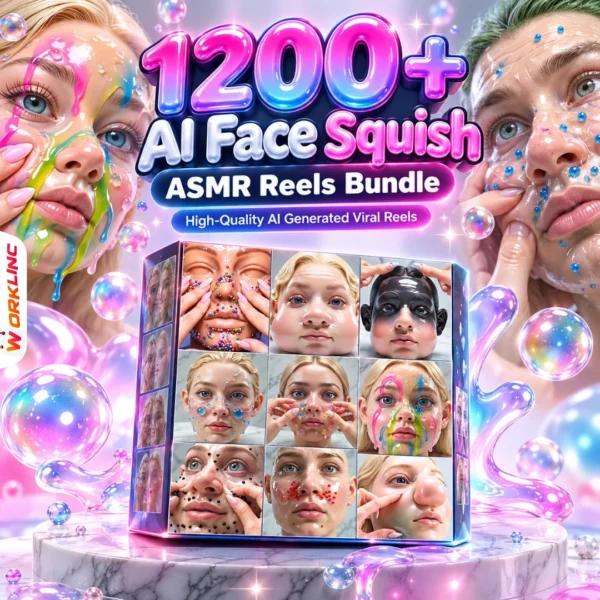
If you are exploring WorkLinc’s AI ASMR reels collections, review the product samples for a movement that could repeat. Not every ASMR-style clip is loop-ready, and a bundle title does not promise seamless files. Test one suitable clip first, then decide whether the treatment fits the rest of your sequence.
For a software-specific example, Adobe’s video looping guide explains trimming and duplicating a clip in Premiere. The checks above are editor-neutral; names and controls vary between apps. No paid software is included with this guide.
A useful stopping point: the motion reads clearly, the audio is complete and the restart does not distract you. A cleaner loop does not guarantee extra views or watch time.
Questions about seamless reel loops
Do the first and last frames have to be identical?
Not always. They should form a believable continuation when played together. Repeating an identical frame can create a brief hold; compare the movement across the join as well as the still images.
Can I make any downloaded reel seamless?
No. Some clips have a one-way action, a strong reveal or speech that needs a clear ending. Choose suitable footage rather than forcing every clip to loop.
Should I use a crossfade on every loop?
No. A crossfade can soften some changes but can also create ghosting or an obvious blur. Try the simplest clean cut first, then compare alternatives.
Why does the loop pause on my phone but not in the editor?
Check the exported file for a frozen frame or blank ending. Also try another player: an app may pause when reopening a file even when the encoded join is clean.