Organize downloaded reels so you can find the right clip without reopening dozens of folders. A simple file system can also help you separate untouched originals, working edits and approved exports. Here is a practical workflow you can adapt to one bundle or several.
1. Keep an untouched copy of the download
Start with a folder for the product, using a short name you can recognise later. Keep the original archive or downloaded files in an Originals folder. Put your working copies somewhere else, so a trim, rename or export does not accidentally overwrite the source.
Save the order reference, delivery instructions and applicable usage information alongside the collection in a private notes folder. Do not include passwords, private download links or order details in public posts or shared project screenshots.
2. Check a small sample before sorting everything
Open several files from different parts of the download. Confirm they play, check their audio and note the aspect ratio and duration. This is a basic spot check, not proof that every file in a large collection is identical or error-free.
If a file does not open, keep its original filename and note what happened. Check the product’s delivery instructions before repeatedly downloading or converting the entire collection. When you need help, provide the product name and a clear description of the issue through the store’s support channel.
3. Create five working folders
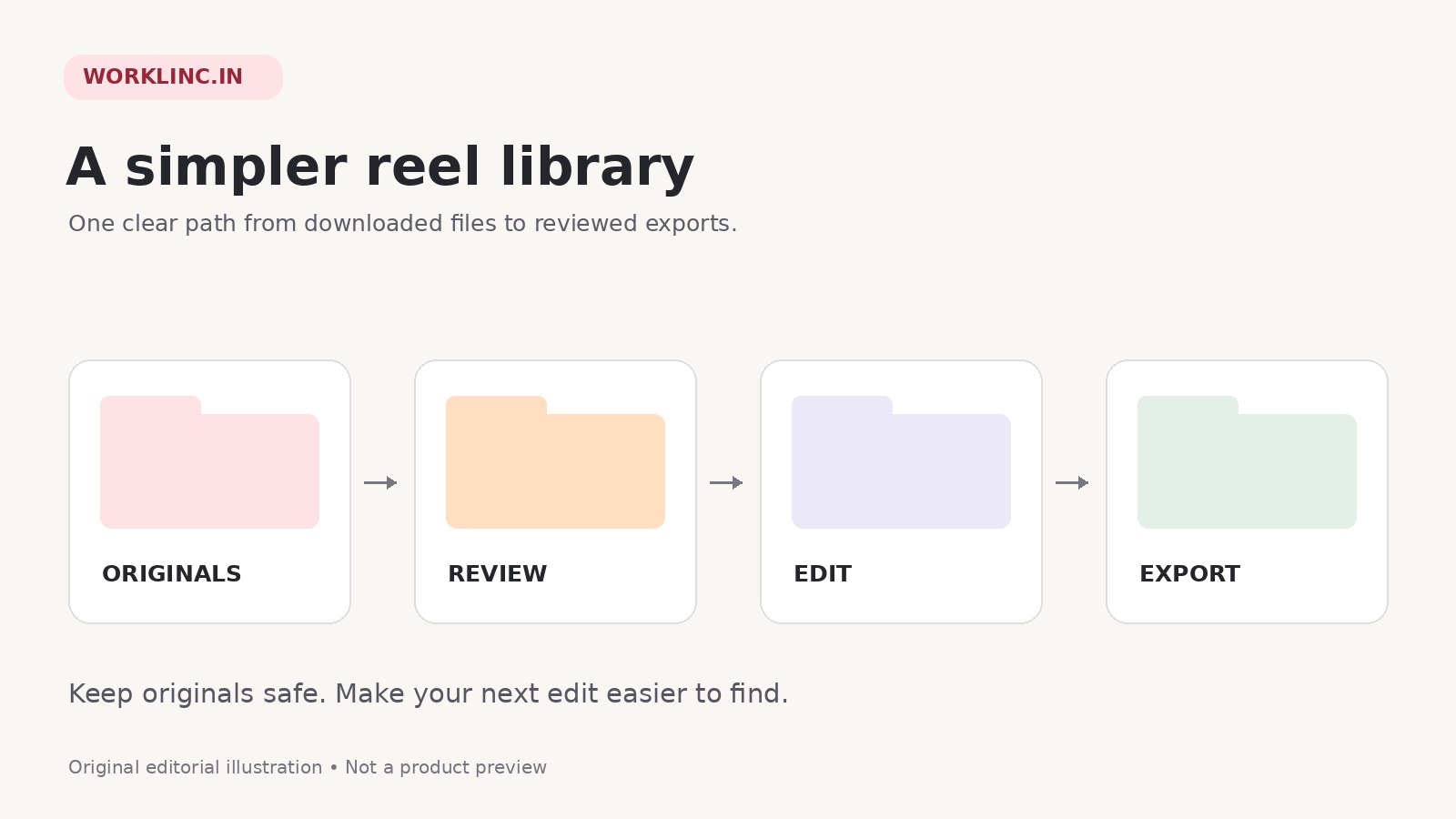
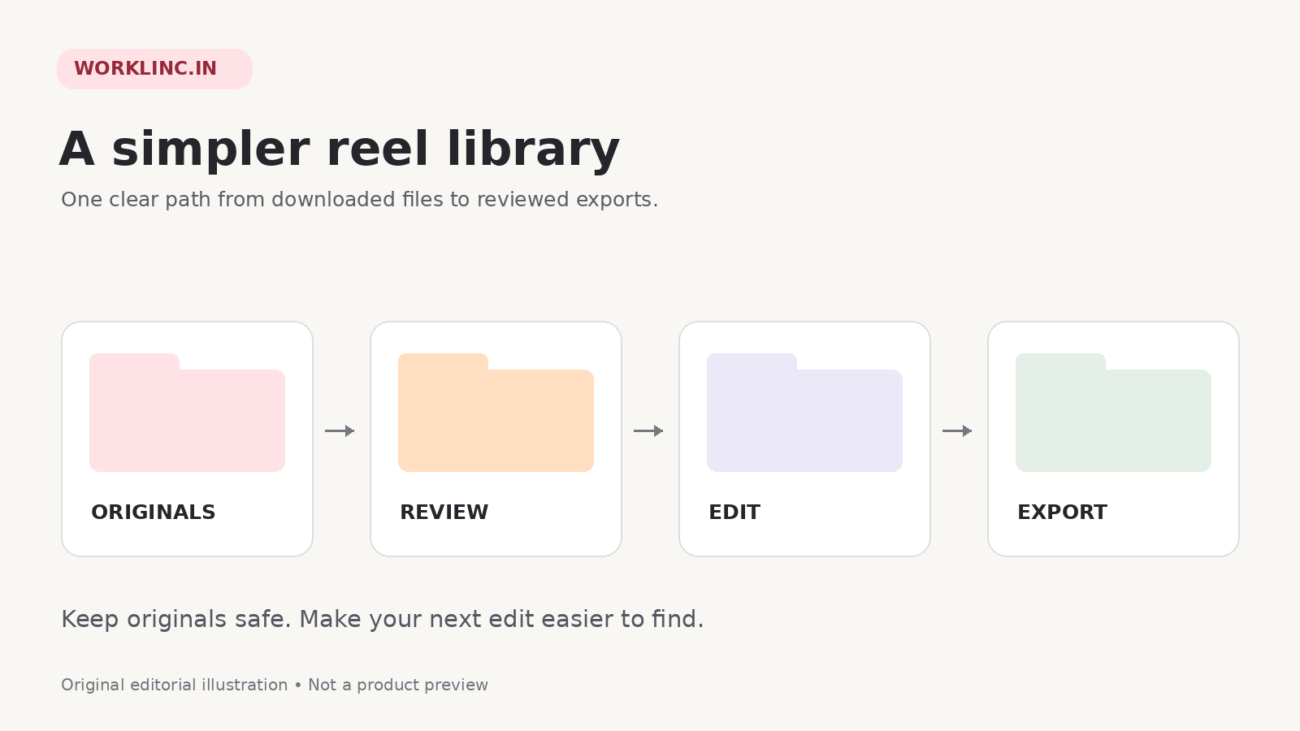
- 01 Originals: untouched source files and the original archive.
- 02 Shortlist: clips you have watched and may use.
- 03 Projects: your editable projects and supporting material.
- 04 Exports: reviewed output files, labelled by version.
- 05 Published: a record of which export you used and where.
Keep private order and licence notes in a separate folder. You do not need a complex system or a new application. Consistent folder names and a simple document or spreadsheet are enough to begin.
4. Shortlist by idea, not just filename
Choose a small batch around one audience need or creative direction. For a food-character collection, your working labels might be playful cooking, character reaction and visual story. These are your own organisation labels, not a claim that every bundle contains those exact subfolders.
For example, you could review samples from the Food Comes Alive AI Reels Bundle and shortlist clips that fit one planned story. If you are still choosing a theme, browse the AI reels collection first.
Keep rejected or uncertain clips out of the export folder. A clear shortlist is more useful than a folder called “final” that contains every download.
5. Use filenames that explain the next action
For working copies, use a pattern such as topic-purpose-version. Examples are food-story-v01.mp4 and food-story-v02-reviewed.mp4. These are illustrative names only; use the actual file extension supplied or produced by your editor.
Preserve a link back to the original filename in your notes. When two clips look similar, that reference helps you avoid confusing them or losing track of the source. Never change an extension just to make an incompatible file appear to be a video.
6. Record the checks that matter
For each shortlisted clip, record the source file, planned idea, audio status, usage check, edit version and publication status. Keep the notes brief enough that you will actually maintain them.
Before export, watch the whole sequence and check text placement, sound levels and framing. Where editing is permitted, decide what meaningful contribution your own project adds. A filename change, border or caption does not by itself establish originality or monetisation eligibility.
This matters beyond file management. In its March 2026 originality guidance, Meta explains that low-value changes to reused posts may still be treated as unoriginal on Facebook. A tidy library is a workflow aid, not a workaround for platform rules. Check the rules of the platform you plan to use.
7. Keep an export and publication log
Before posting, move only the reviewed output into Exports. After publishing, record the exact export version, platform and date in your log. Keep a copy of the published output so you know which file was used if you later revise the project.
Back up the original collection and important project files to a location you control. Check that the backup opens before relying on it. Avoid duplicating the same large folder repeatedly across devices without a clear naming system.
Organize downloaded reels: your pre-post checklist
- The source file and applicable permissions are recorded.
- The full video and audio have been reviewed.
- The export is the intended version, not an earlier draft.
- The framing and text work in the target platform preview.
- Any required disclosure or platform-specific check is complete.
- The publication log is ready to update.
Start with one collection and keep the system small. When the process feels easy, use the same structure for the next bundle. Explore WorkLinc’s reels bundles for different themes, and review each listing’s contents and terms before purchase.