









Creator workshop · Script before you record
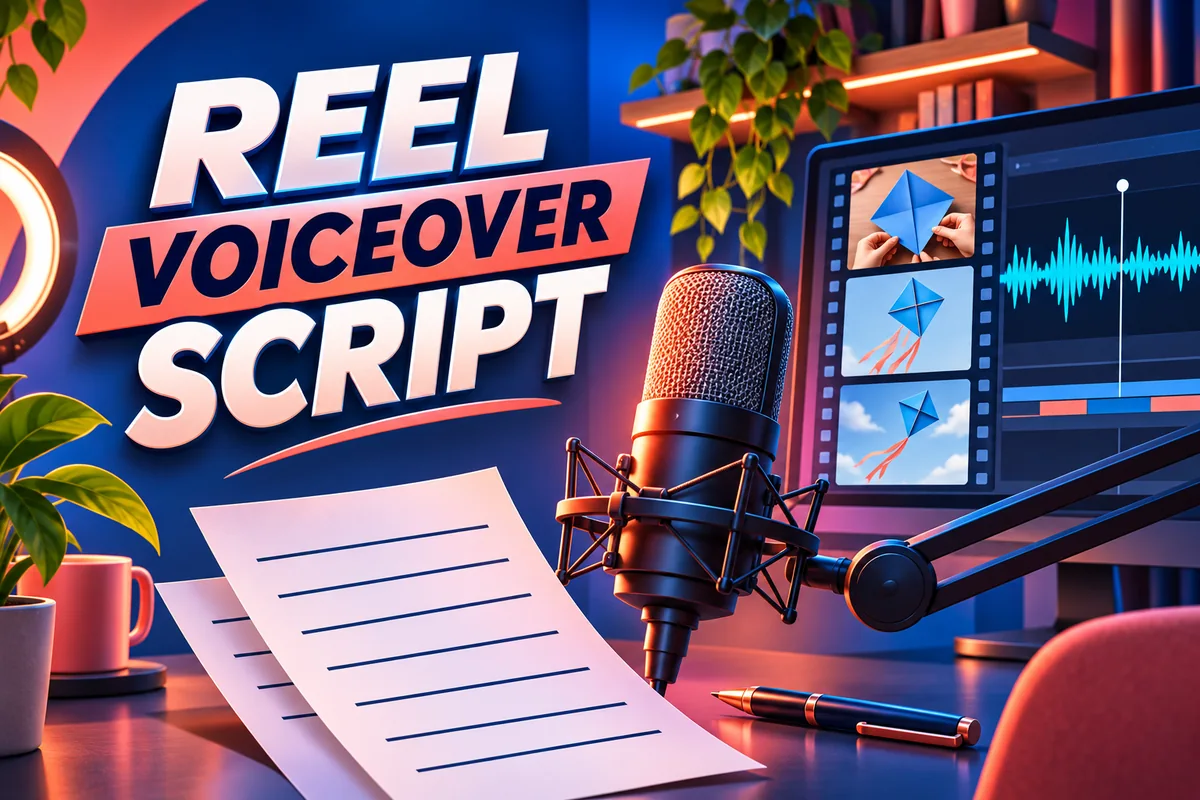
A reel voiceover script tells the listener what the pictures cannot. It can explain why a decision mattered, give a missing detail or guide attention to a small change. If the voice only describes what the viewer can already see, your edit may be clearer with fewer words.
In this guide
1. Write one point the viewer should remember
Start your reel voiceover script with a sentence you will not necessarily record: “The kite pulled to one side because the tail was uneven.” That is the takeaway. It tells you which detail the narration needs and which scenes can stay silent. If your idea needs a second explanation, decide whether it belongs in this reel or deserves a separate video.
2. Pair each line with a picture
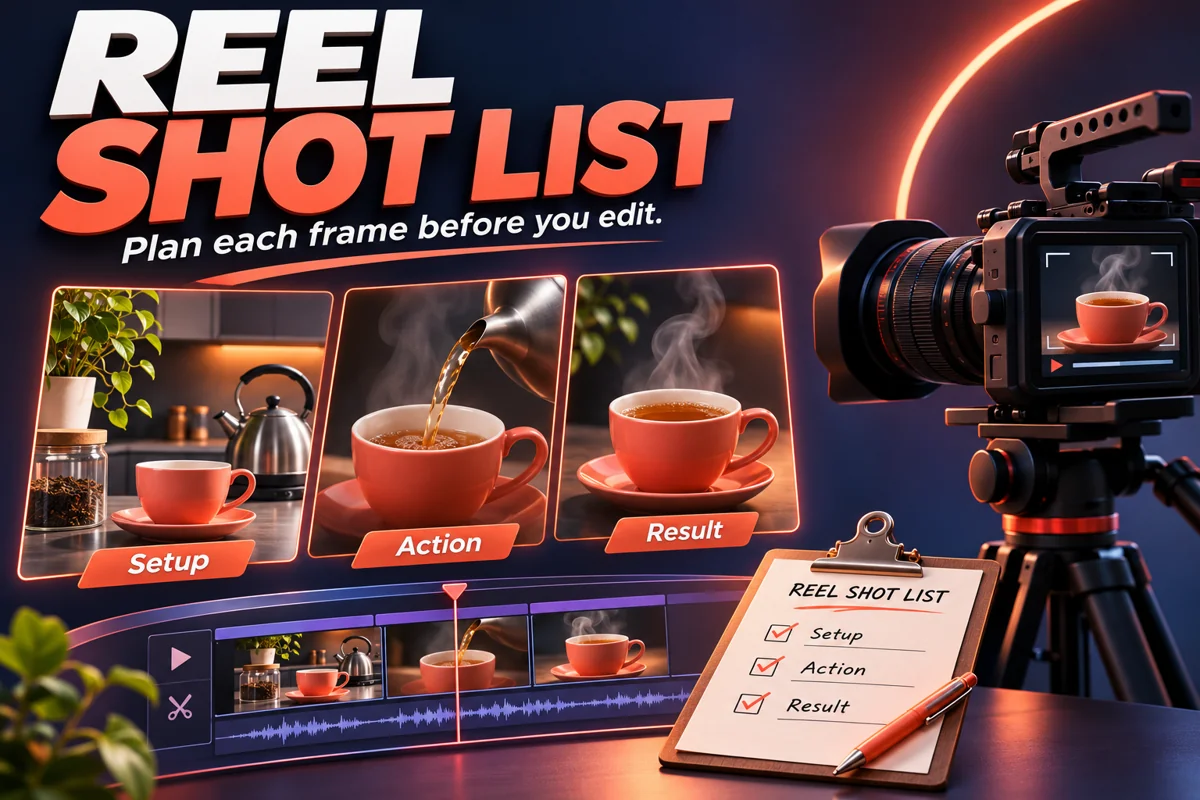
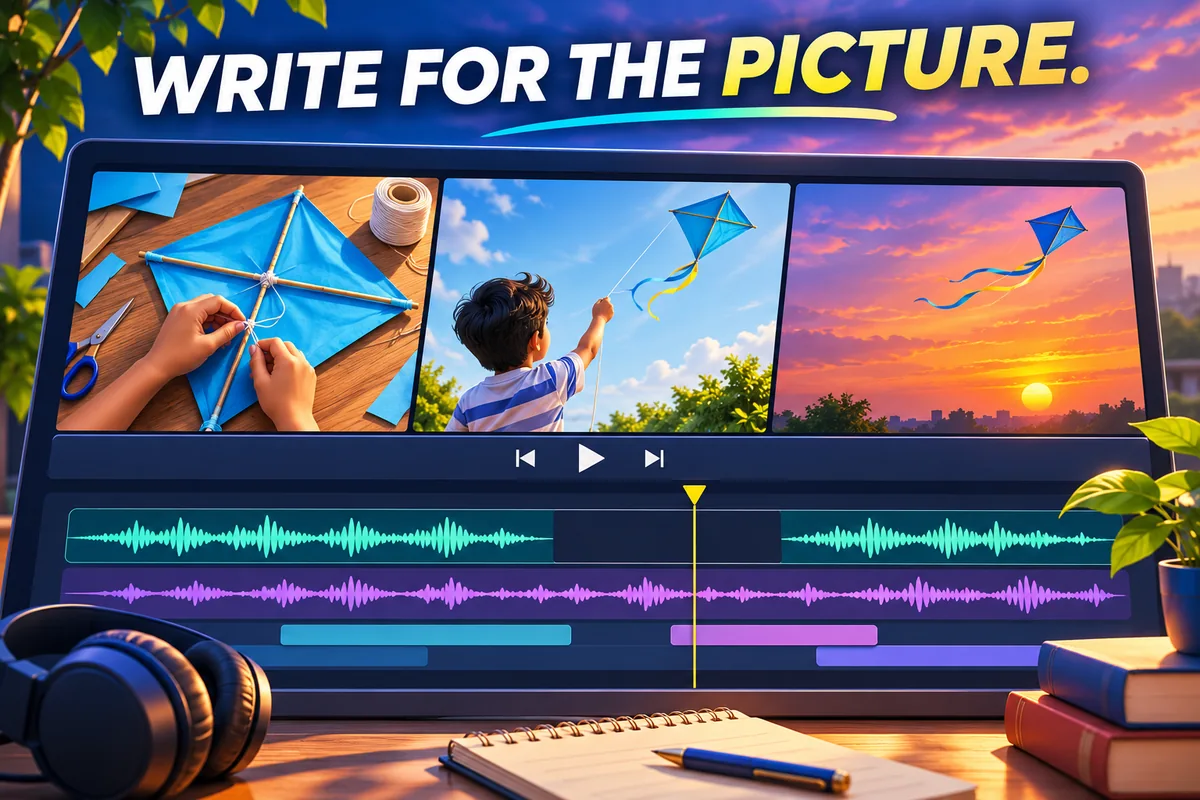
Make two columns: What the viewer sees and what the listener hears. You can use your reel shot list for the first column. Write a line only where it adds a cause, choice or consequence. Where the image makes the point on its own, write “no line” rather than leaving the choice until the edit.
See the difference
Worked example: A close-up shows two strips of paper on a kite tail. Say “I shortened the heavier side” rather than “Here are two strips of paper.” The kite rises on the next shot. Leave that moment silent, then finish with “Now it holds its line” only if the viewer needs the comparison.
Before: “This is the kite. You can see the tail. Now the kite is flying.” After: “It leaned left on the first flight. I shortened the heavier side of the tail.” Let the second launch play without narration, then show the steadier flight. The shorter version gives the listener a reason to watch the next shot, rather than repeating the picture three times.
3. Write for a person, not a paragraph
Say the line to someone next to you before typing it. “I moved the knot a little higher” is easier to follow than “A positional adjustment was made to the tether point.” Use the same name for an object throughout; changing from “tail” to “stabiliser” halfway through can make a simple explanation harder to follow.
4. Time a read against the real cut
Play the edit and read your reel voiceover script at a comfortable speed. Mark the places where you run into the next shot, then cut the lowest-value words or extend the shot if the picture needs time. Time the rehearsal including breaths. A strict word count is not as useful as hearing whether the line fits the particular clip.
During rehearsal, underline the word you need the listener to hear in each sentence. If two words compete for emphasis, split the line or remove the less useful detail. Keep a plain-text copy of the final script next to your edit notes so you can check captions against the words you actually recorded, not an earlier draft.
5. Remove lines that narrate the obvious
Watch once with the voice and once without it. If a line adds nothing on either pass, remove it. Keep the words that clarify why the next scene matters. Once the script works, use the reel audio mixing guide to balance speech, music and effects. For a practical reference on visual and audio cues, see Adobe’s video script guide.
Practising with ready-made footage? The WorkLinc AI Reels collection guide can help you pick a visual theme. Check the specific listing’s terms before reusing purchased material.
Reel voiceover script FAQs
How long should my script be?
Use a timed read against the actual edit. Leave room for breaths and for any action the viewer needs to notice.
Should I record before or after editing?
Either can work. If you already have footage, build a rough cut and record a scratch track first. Re-record the final track once the words and timing feel natural.
Does every shot need voiceover?
No. Let an obvious result, a useful sound or a reaction explain itself when that makes the scene clearer.