










Reel pacing is the rhythm created by shot order, shot length and the space you leave around an important moment. A clear short video does not need a cut on every beat. It needs enough movement to progress and enough time for someone to understand what changed.
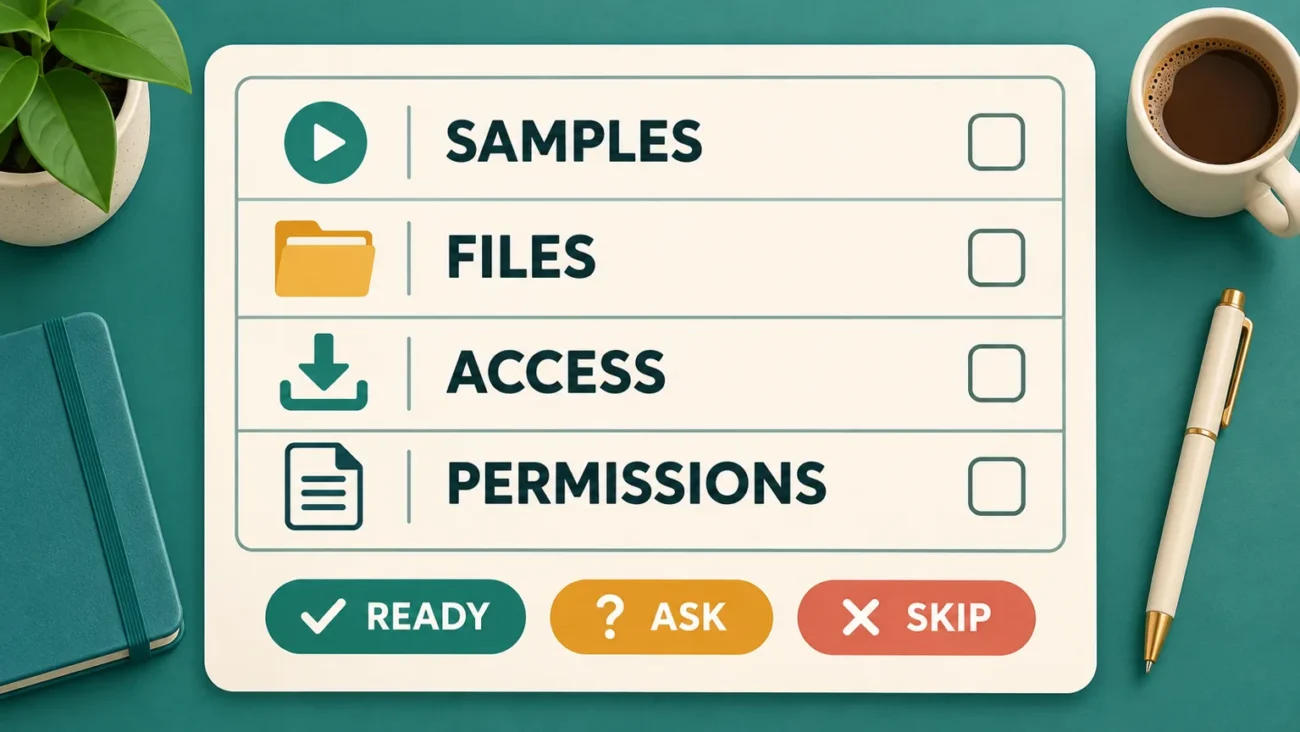
Use these seven editing checks on a rough cut, whether you filmed the footage yourself or selected digital video assets with suitable permissions. The aim is a readable sequence, not a promised number of views. Keep an untouched copy of the source files before you begin.
Your seven-point pacing review
1. Give each shot one clear job
Write a short label for every shot: introduce the subject, show the problem, reveal a change or show the result. If two neighbouring shots perform exactly the same job, try removing one and play the sequence again. Keep both only when the second adds useful detail or a different emotional beat.
For a simple tea-making video, the jobs might be “ingredients,” “pour,” “steam” and “finished cup.” You do not need three near-identical views of the kettle before anything happens. A close-up can earn its place by showing a detail that the wider view cannot explain.
2. Improve reel pacing by trimming empty edges
Inspect the start and end of each clip. Remove camera settling, an accidental pause before the action and extra time after the useful moment has finished. Work in small trims, then review the join at normal speed. Cutting too far can remove the preparation that makes an action understandable.
For example, retain enough of a hand reaching toward a cup that the following lift feels connected. If the cup suddenly appears in mid-air, the edit may feel abrupt for the wrong reason. YouTube’s Shorts editing guidance describes timeline controls for trimming and reordering clips. The controls in your chosen editor may differ; the review principle stays the same.
3. Let the important moment finish
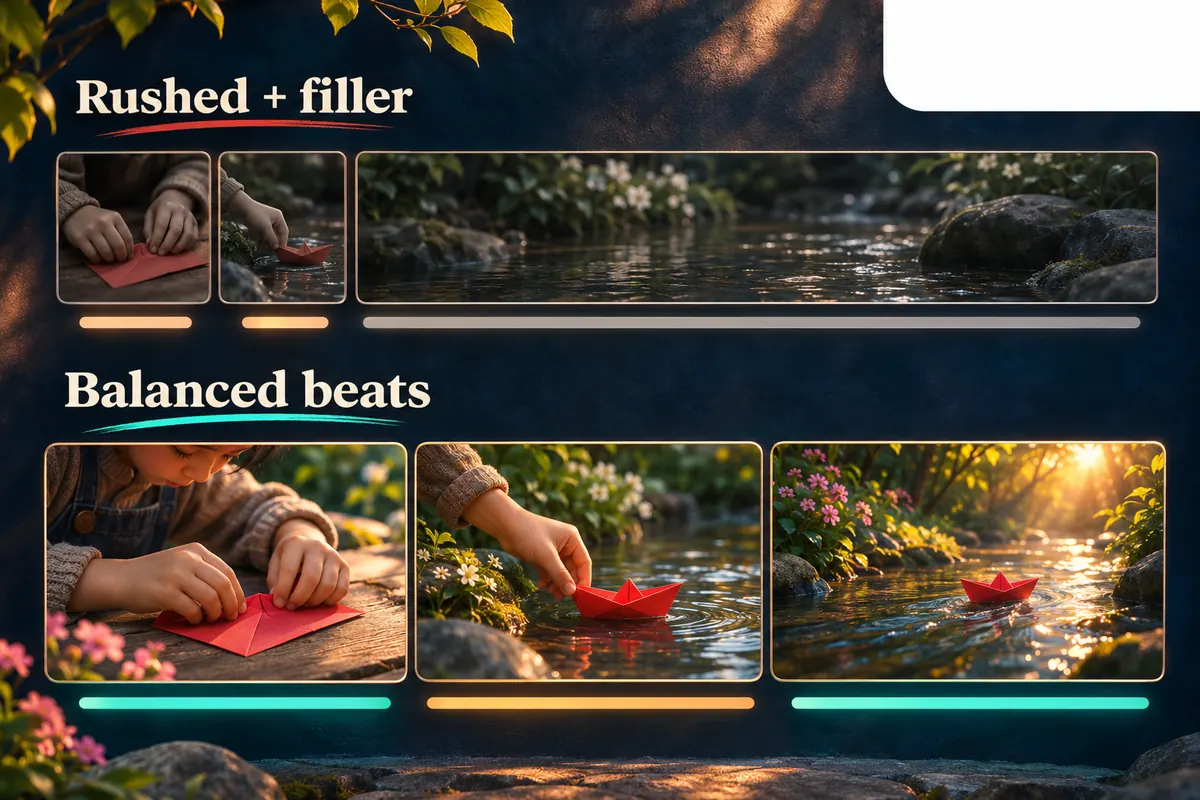
A reveal, facial reaction or instruction needs room to register. Watch the moment without pausing. Can you describe what happened before the next shot arrives? If not, lengthen that shot or remove a competing overlay. Increasing the text size will not solve a sequence that moves on before the information is complete.
Treat a pause as a deliberate part of reel pacing. Holding on the finished dish can help viewers notice the result; holding on an empty counter may add nothing. Judge the information in the frame rather than applying one fixed duration to every shot. Different scenes need different amounts of time.
4. Alternate detail with context
A run of tight close-ups can look attractive while making the scene difficult to follow. Keep enough context to show where the subject is and how the details connect. One wider view followed by a purposeful detail is often easier to read than several unrelated fragments.
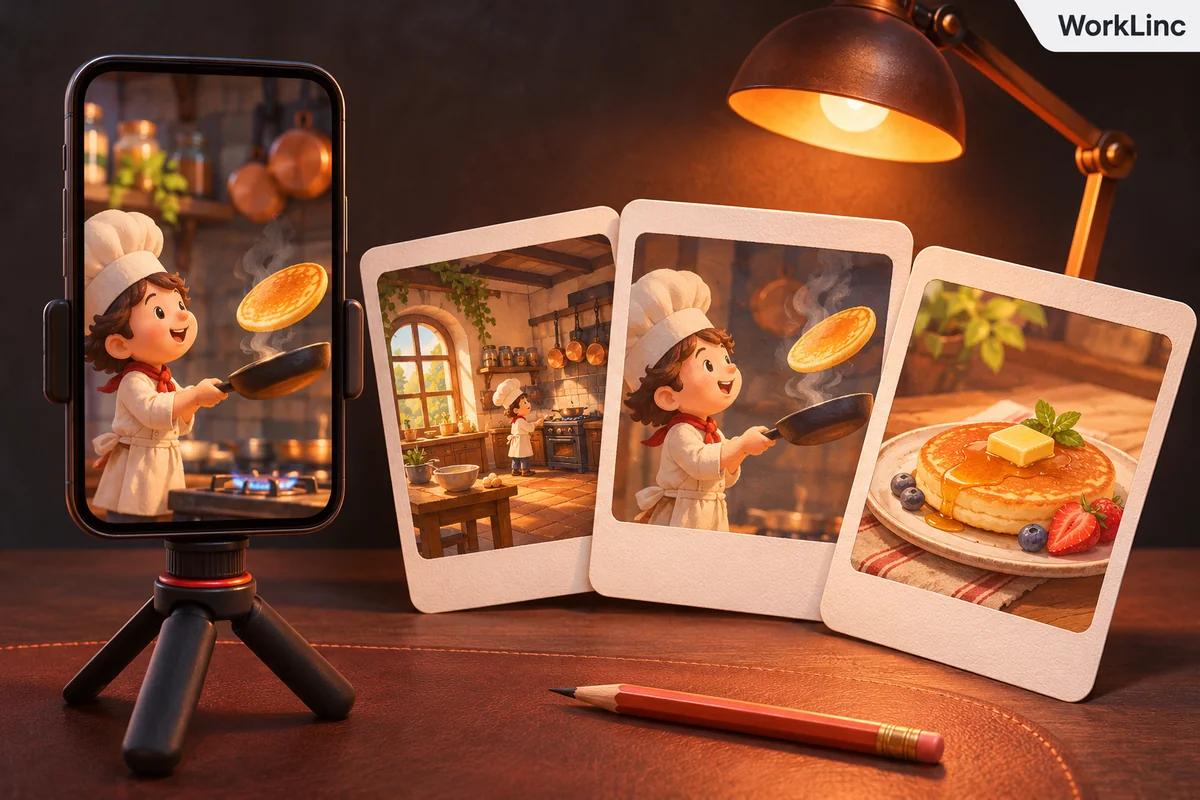
For a character-led story, check continuity across the cut: the character, object or location should remain recognisable unless a change is intentional. If you switch scenes, use a clear visual connection or a brief explanation. An effect cannot replace missing story information, and faster editing will not repair a confusing order.
5. Match text and audio to the action
After changing shot lengths, replay captions, voiceover and sound cues. A label may now appear over the wrong scene, or a spoken explanation may continue after its subject disappears. Adjust the timing so each layer supports the same moment. Review meaningful sounds as carefully as dialogue.
Music can suggest a rhythm, but do not cut away from an essential step simply to hit every beat. First make the sequence understandable, then refine the musical relationship. For timed words and sound descriptions, the reel captions checklist covers a separate readability pass. Use only audio you have permission to use for the intended post.
6. Compare reel pacing in two cuts
Save version A before trying a pacing change. In version B, change one thing: shorten an opening pause, remove a repeated shot or extend the final result. Watch both at the same playback speed. Ask which version explains the idea more clearly, rather than assuming that the shorter one is better.
If you ask someone to review, give them a concrete question such as “What happened between these two shots?” or “Could you read the instruction before it disappeared?” A vague request to choose the more exciting version can miss a basic clarity problem. Record the reason for your choice so you can apply the lesson to the next edit.
7. Check reel pacing in the exported file
Open the exported file on the device where you expect people to watch. Run it once with sound, once muted, and once with attention on the ending. Check for a black frame, an unintended gap, a clipped word or a final card that disappears too quickly. A clean timeline does not replace watching the actual export.
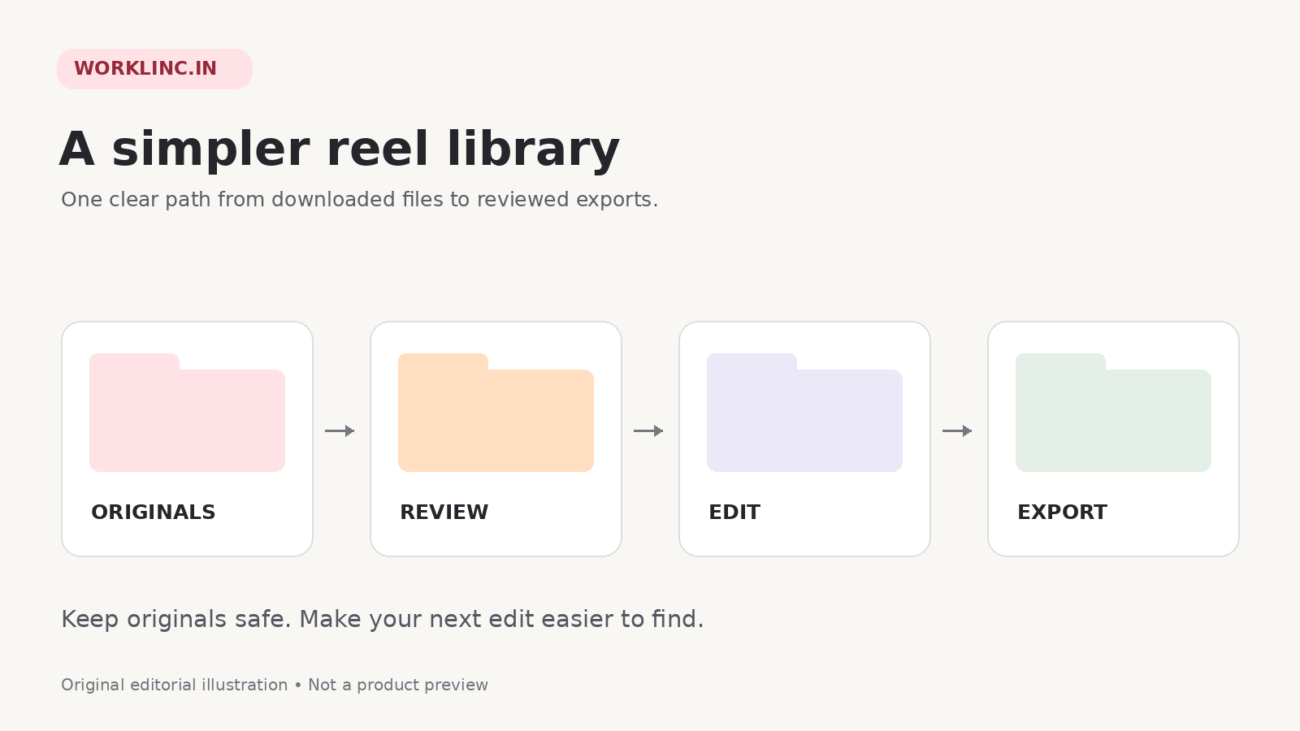
If you want a loop, check the transition from the last frame back to the first. Keep it only when the repeat makes sense; a forced loop can hide the result or interrupt the story. Save the reviewed export separately from the rough cut. The downloaded reels organisation guide offers a practical way to keep source files and final versions apart.
Quick answers about reel pacing
Does every shot need the same duration?
No. Give each shot enough time to do its job. A quick connecting action and a detailed reveal do not need identical lengths.
Will faster reel pacing guarantee more views?
No. These checks help you make the sequence clearer. They do not establish a universal ideal length or promise reach, retention or revenue.
Where should I start if an edit feels slow?
Start with repeated information and empty time. Improve reel pacing by removing what adds nothing, while keeping pauses that explain an action or let the result register.
Need material for another editing exercise? Explore WorkLinc’s reels collections and choose a subject that fits your page. Check the current listing, previews and usage terms, then apply the same reel pacing review to your finished edit. Ready-made footage still benefits from your own clear selection, context and final quality check.