









To compare reels bundles, start with the content you actually want to make. The number of videos is only one detail. Samples, file specifications, delivery instructions and usage terms matter just as much when deciding whether a bundle fits your project.
Before browsing, write a short brief: who your content is for, what you want it to communicate and where you plan to post it. “A cheerful character-led story for my entertainment page” gives you a clearer starting point than “something that gets views.” Use that brief through the checks below.
Table of Contents
1. Judge the samples against one real idea
When you compare reels bundles, watch each available sample from beginning to end. Notice the opening, pacing, sound and final frame. Does the style suit your audience? Could you build a coherent post around the material, or would you need a different kind of footage?
Start with the style your audience enjoys. Browse WorkLinc’s reels collections for a range of themes, explore AI reels collections for AI-created visual ideas, or choose Bhakti digital assets for devotional projects. These are starting points, not a recommendation to buy a particular product. Review the samples and details of the options that fit your own brief.
A preview shows what you can inspect in that preview. If a particular scene, language or format is essential, ask whether it is included rather than assuming the full collection matches one promotional example.

2. Check what your device and editor can handle
A collection is easier to assess when you know the actual deliverables. Check these details before paying:
- File type: Can your existing device and editing software open the supplied format?
- Frame shape: Will the material fit your intended post without awkward cropping?
- Resolution and duration: Are they suitable for the project you have in mind?
- Audio and text: Are music, speech or captions already part of the video?
- Download size: Is there room for the download, working files and finished exports?
Descriptions such as “HD” or “ready-to-use” may not answer all of these questions. Also check whether the purchase contains finished videos, editable project files or something else. Do not assume editing software or a paid app subscription is included.
3. Understand delivery before checkout
Find out how you receive the files, whether an account is needed and whether the listing states an access period or download conditions. If you work mainly on a phone, confirm the download and opening steps are practical on that device.
Read the current refund and returns policy, including the process for reporting a delivery or file problem. Check any product-specific support information too. Keep a note of unresolved questions so you can ask them together before ordering.
4. Match the usage terms to your project
Posting on your own page, editing material, completing client work and reselling files are different uses. Check the applicable product terms for the activity you intend. If the wording does not clearly address it, describe your planned use and ask for clarification.
When comparing broader options, review the separate listings for All Bundles – Personal Use and All Bundles + Reseller Rights. Read their current inclusions and conditions instead of relying on the plan name alone.
Do not assume buying a bundle transfers copyright ownership or clears every third-party music track, character or other element. A product licence also does not establish whether a platform will monetise your finished posts. For Facebook, review Meta’s guidance on original content before planning how you will use third-party material.
5. Compare reels bundles by project fit, not just count
Consider how much of each collection fits your brief and how much time you can realistically spend reviewing it. A larger bundle may offer more choice, but quantity alone does not tell you which option will be useful.
Use the same fields to compare reels bundles side by side:
- Product name and listing link.
- My first planned project.
- Samples reviewed and why they fit.
- Confirmed file specifications and delivery details.
- Terms covering my intended use.
- Questions still unanswered.
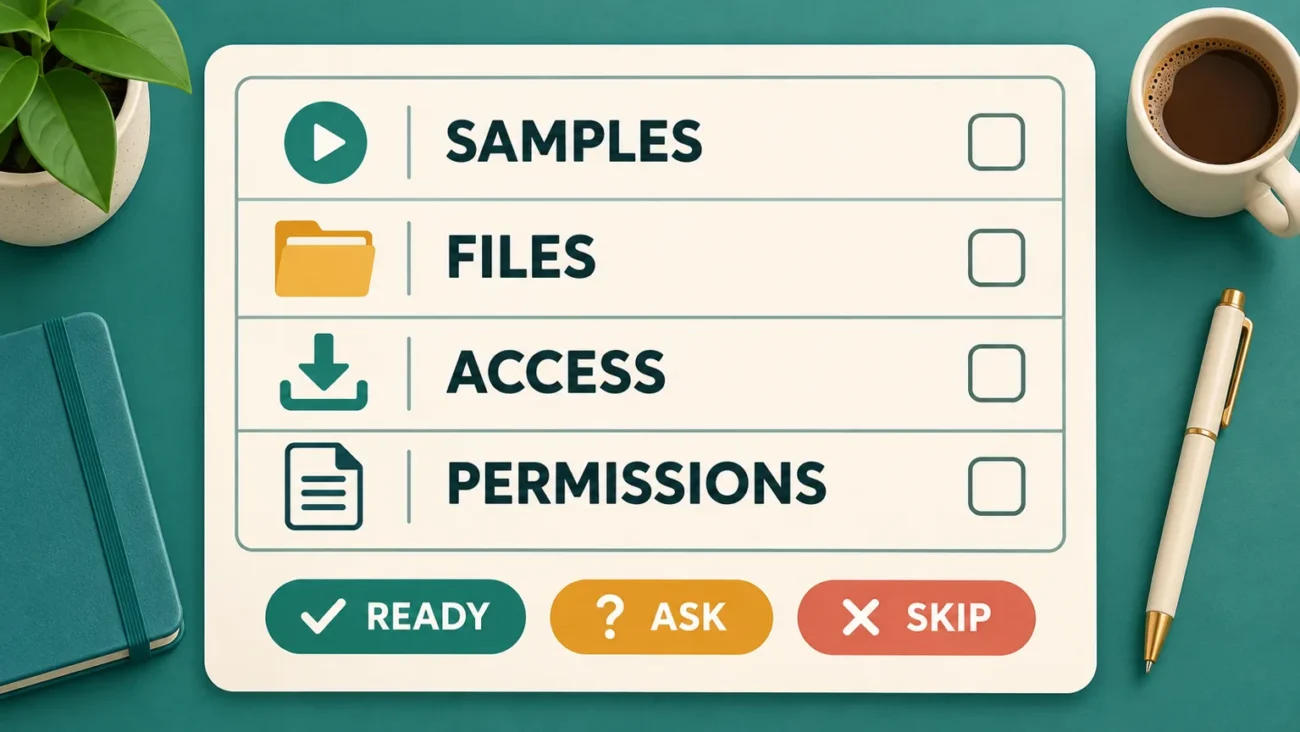
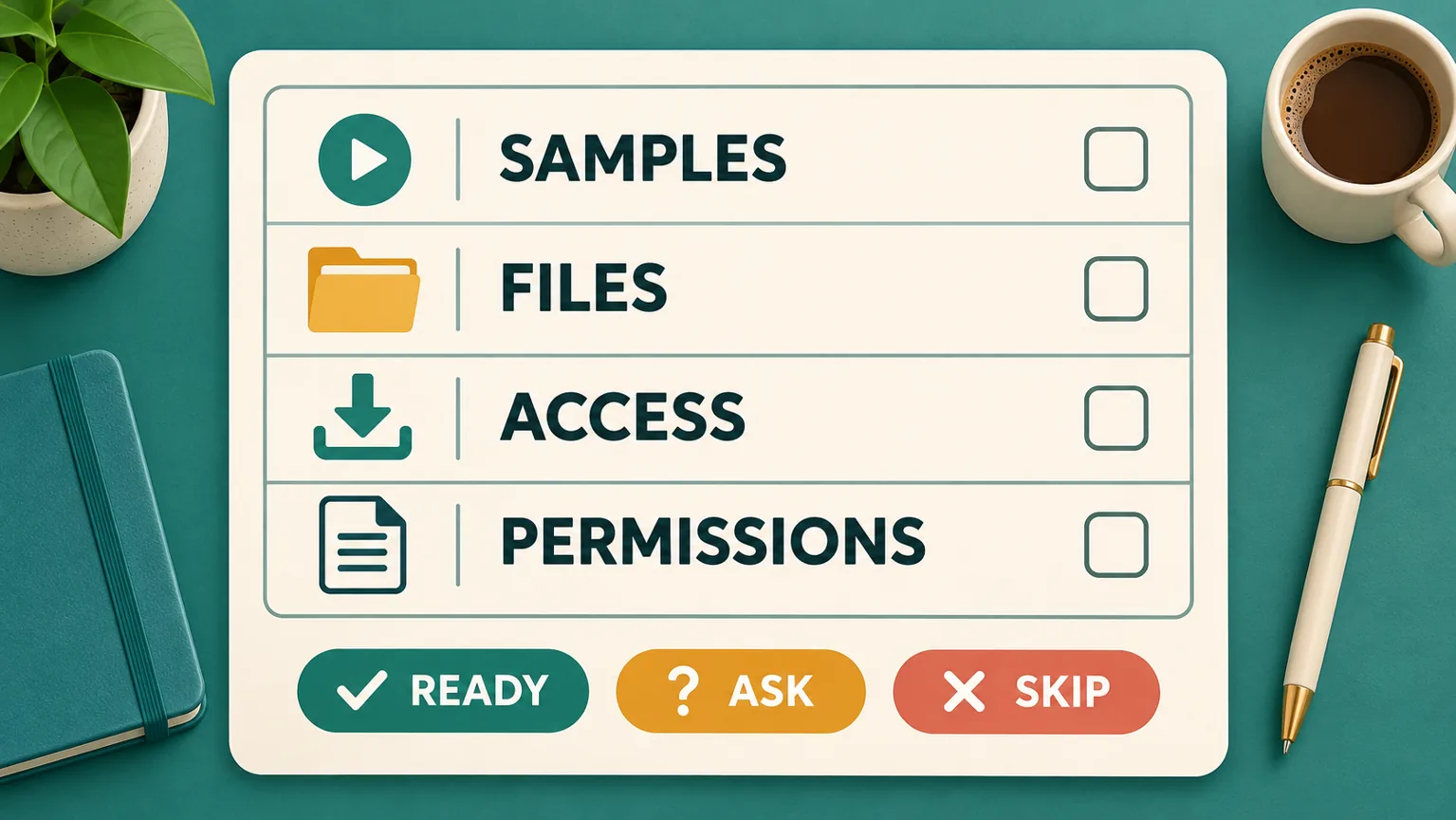
Mark each essential check ready, ask or skip. Ready means the confirmed answer fits. Ask means information is missing. Skip means a confirmed limitation makes the product unsuitable. Resolve “ask” items before choosing.
Common questions before buying a reels bundle
Is the biggest bundle always better value?
No. Value depends on the material you can use, the terms that apply and the work needed to turn it into suitable content. Compare relevant samples and confirmed deliverables alongside the price.
What should I ask if specifications are missing?
Be specific: “I plan to edit on my phone. Can you confirm the file format, resolution, total download size and how I will receive the files?” Include the product link so support knows which collection you mean.
Will buying a bundle guarantee views or earnings?
No. A purchase does not guarantee reach, followers or monetisation. Review your intended platform’s requirements and plan content that serves your audience.
Make the decision with the missing details resolved
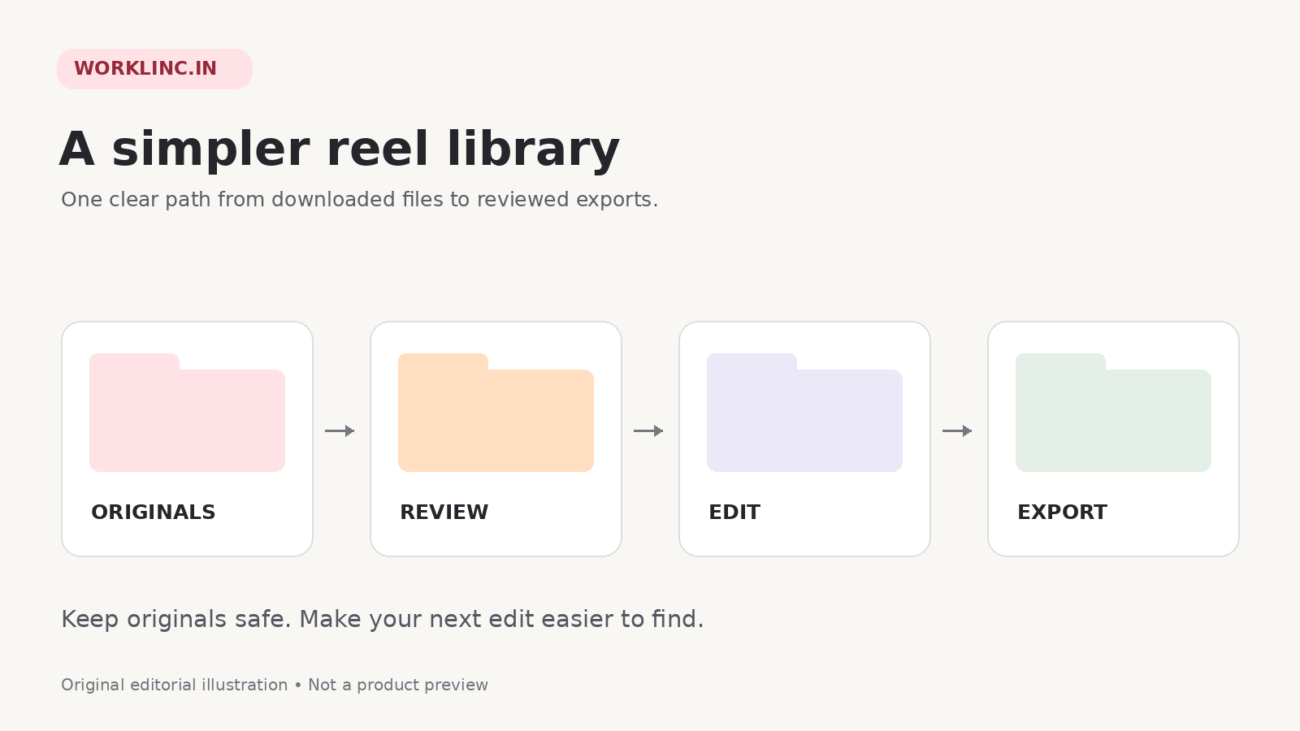
Browse WorkLinc’s reels bundles with your brief beside you. If a detail affects your decision, contact WorkLinc with the product link and a clear question. Once you have purchased suitable material, the guide to organising downloaded reels covers the next stage.